Snap your plate Plus
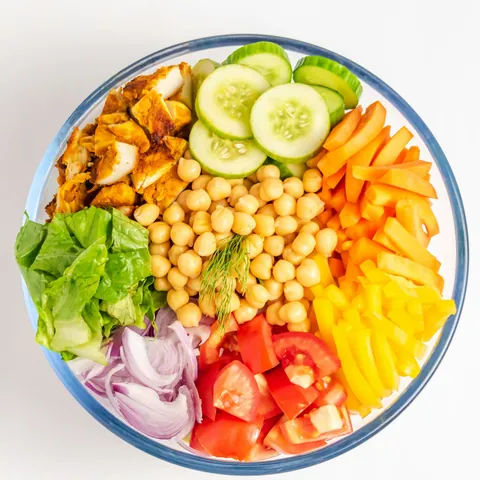
We read the dishes and portions on your plate, and you see everything before you save. Something off? Fix it in one tap.
Sufra is a calorie counter built for Arabic and everyday food. Snap your plate and we read what's on it, or type it or say it the way you talk. Calories and protein come from our food table, with what we assumed written underneath so you can fix it in one tap.
Photo scanning comes with Sufra Plus.
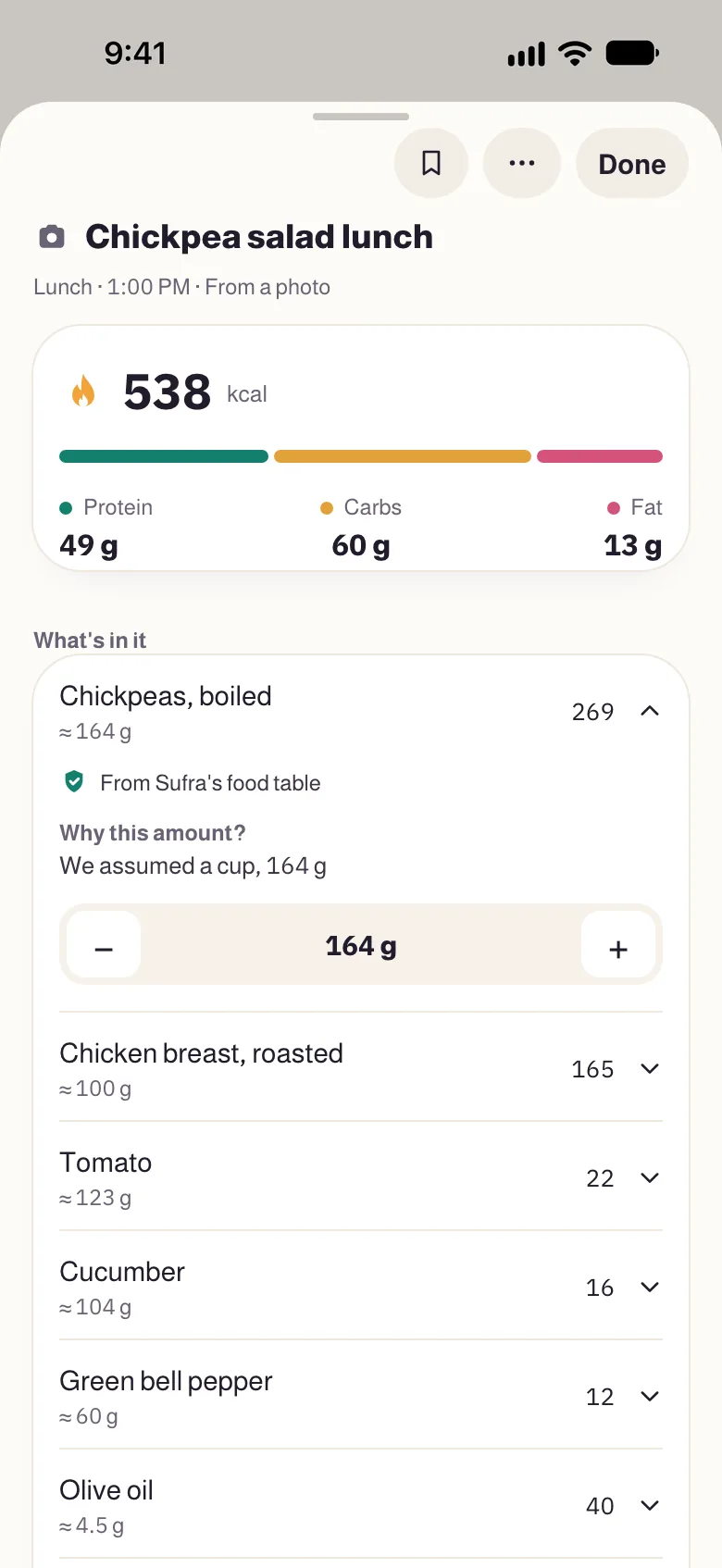
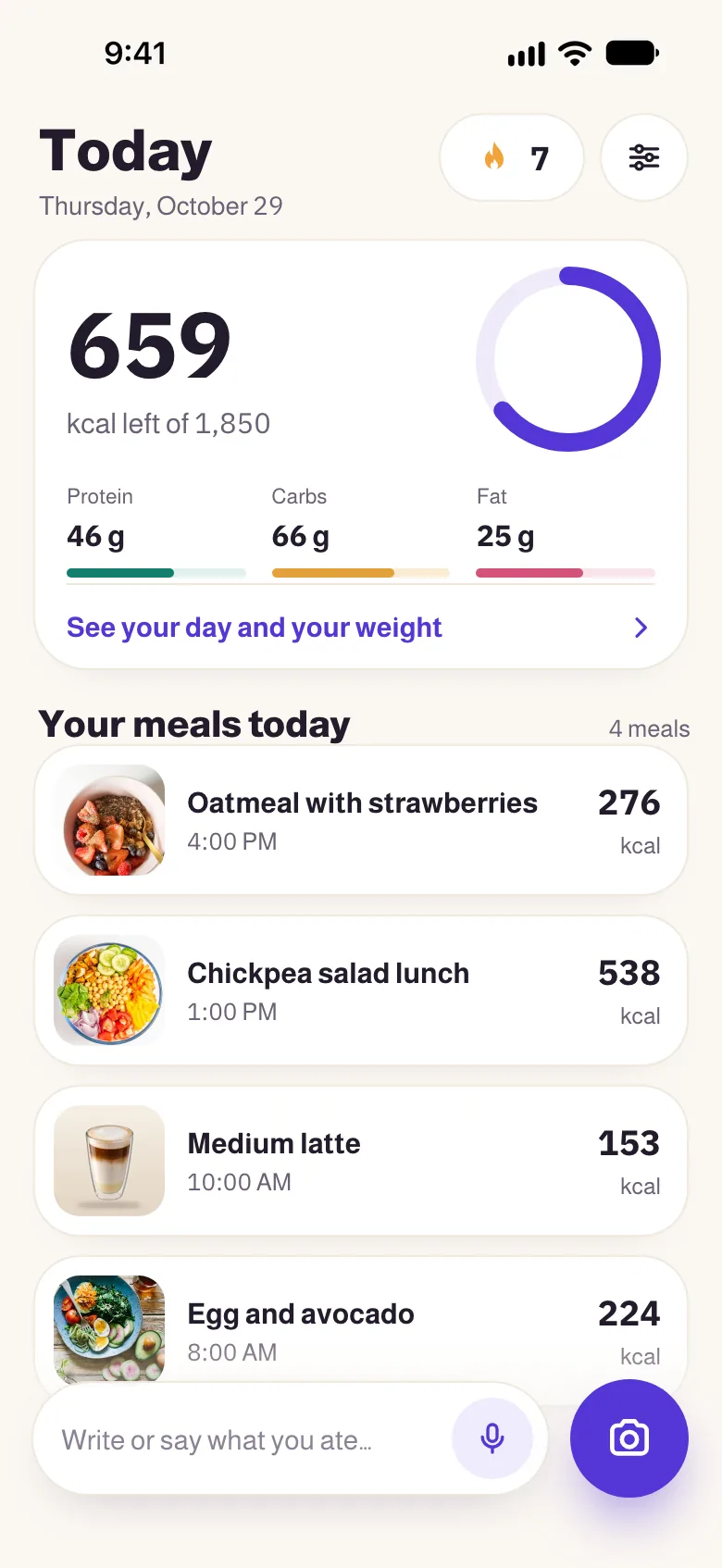
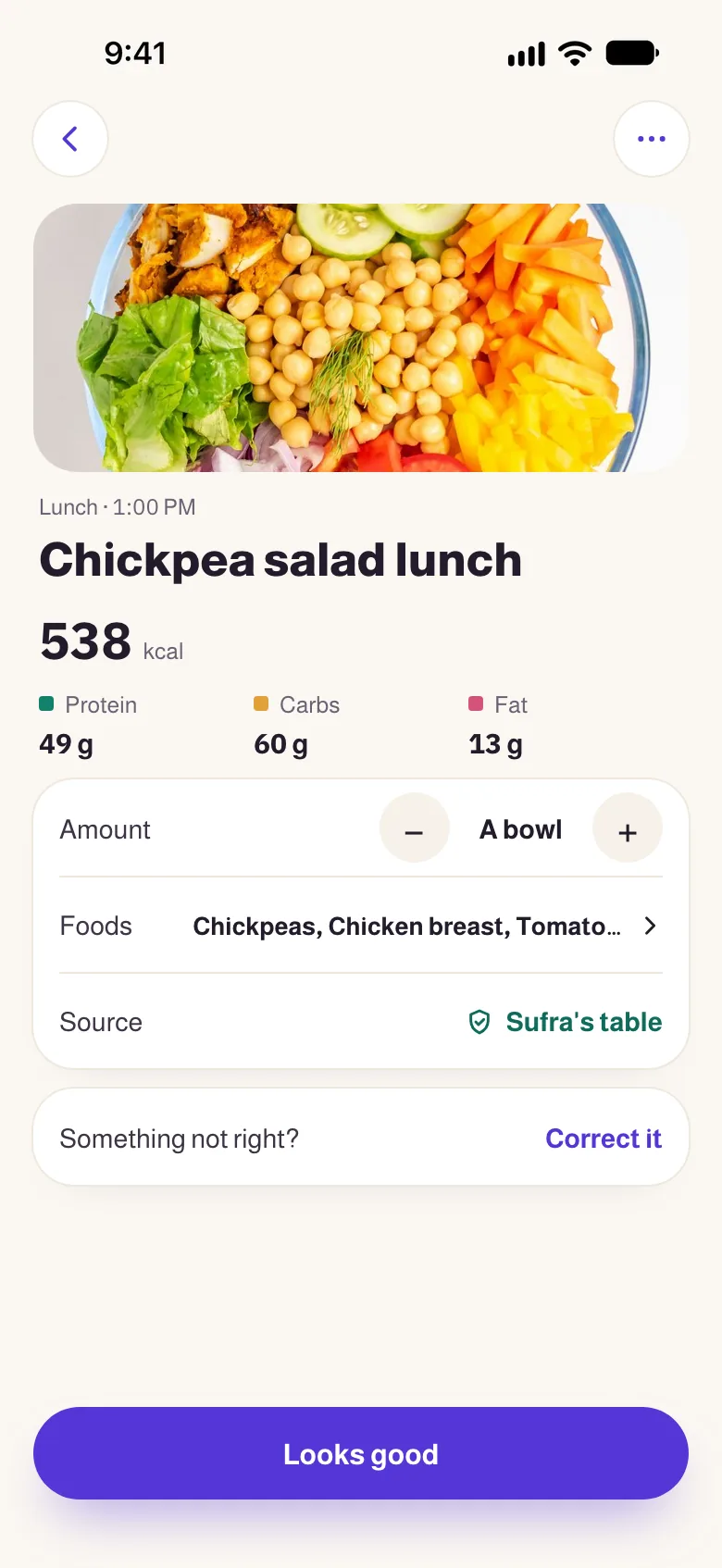
Example: Sufra's home screen, then a photo of a chickpea salad being read: chickpea salad lunch, 538 calories, 659 left of 1,850.
Log a meal the way that suits you; every way takes its numbers from the same food table.
We read the dishes and portions on your plate, and you see everything before you save. Something off? Fix it in one tap.
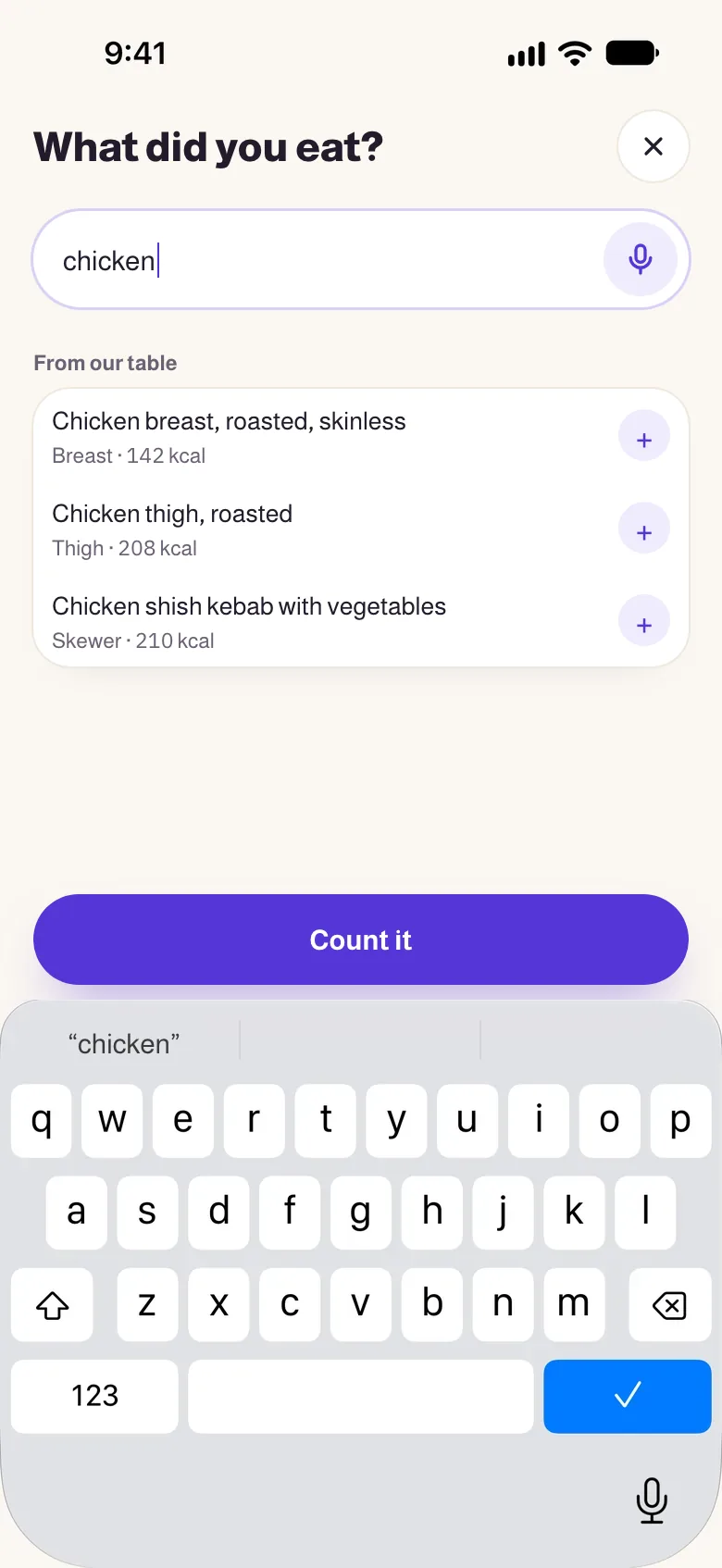
Type “chicken” and our foods show up with their calories, or write the whole line the way you’d say it: “2 eggs and a slice of toast”.
Tap the mic and say it like you'd tell a friend. We write it down, do the math, and show you what we assumed before you save.

A bowl of oatmeal with a banana
Tap the mic to try itWe work out the food and the amount from what you wrote, and the calories come from our food table. Every number shows its math.
This demo knows a short list of foods. The app knows far more.
Log fast and trust the number: calories and protein, sugar, fiber and sodium, water and weight, all in one place.
Every food in the meal shows its amount and where its number comes from. Change the amount in one tap and watch the total update.
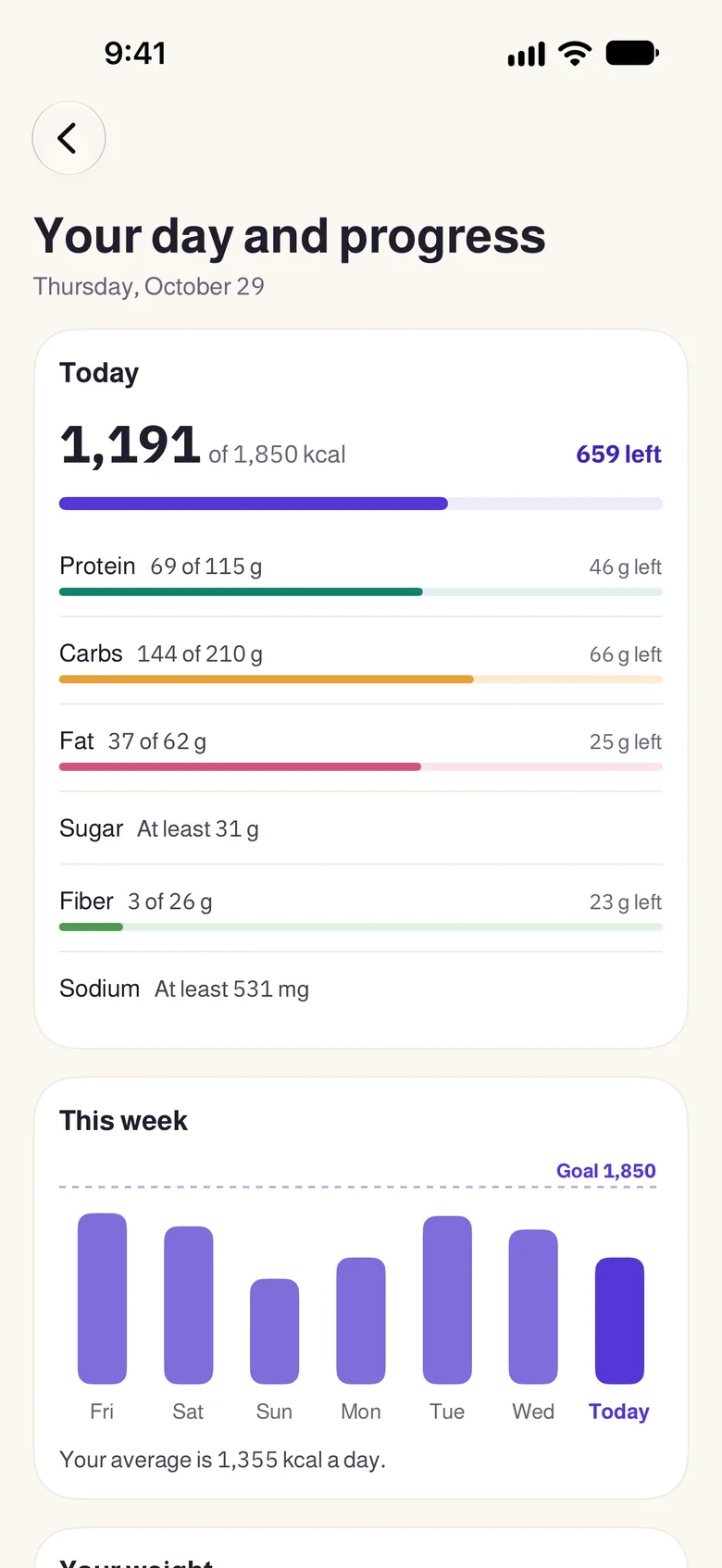
Protein, carbs and fat, plus sugar, fiber and sodium, your week and your weight, on one page.
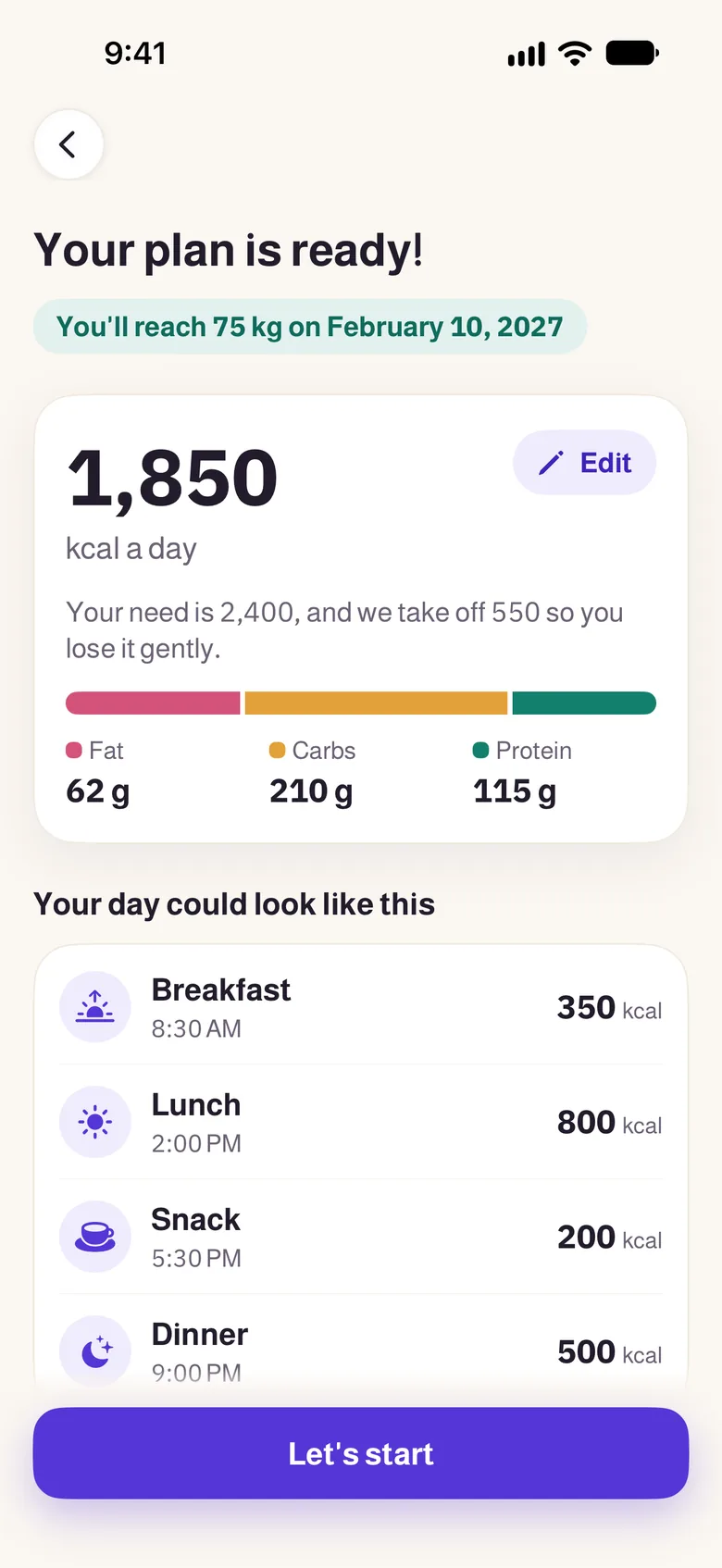
Your age, height, weight and activity, and we work out a daily goal and show you why it's that number.
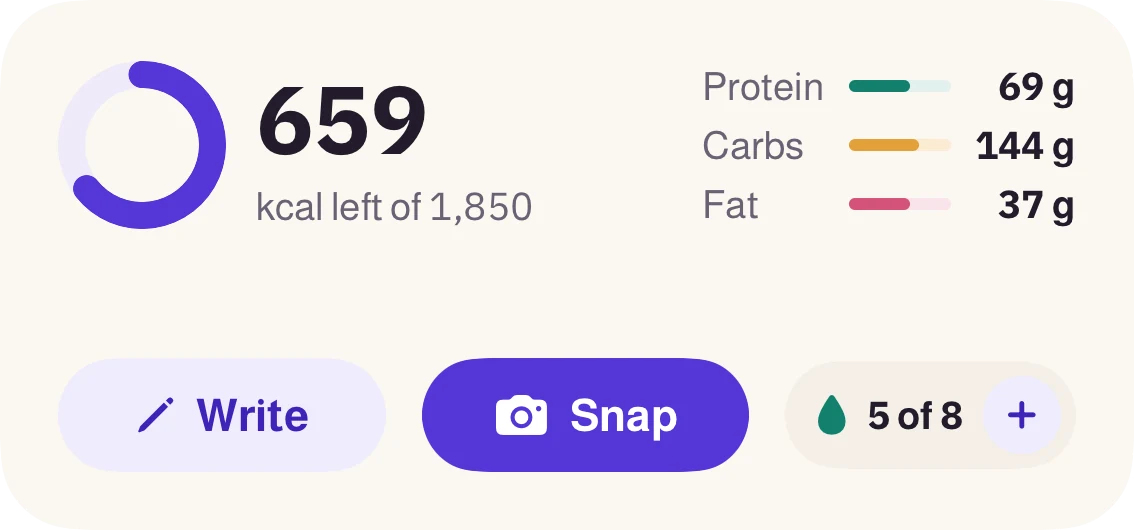
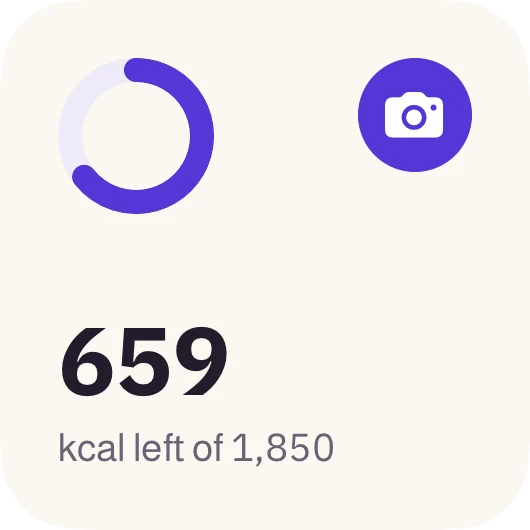
A widget shows what’s left with Snap and Write buttons, a Snap circle sits on your Lock Screen, and a Control Center button opens the camera straight away.
Every good habit earns one: your first bite, a week in a row, your water goal. We reward the habit, never eating less, and you can share a badge without showing your food or weight.

 7
 7
 7
 100
 150
We write your food and weight to Apple Health, next to your steps and sleep.
A calorie tracker on your Apple Watch: tap the mic and say what you ate. We ask one question at most, and the line lands in your journal on your iPhone.
Try it: tap the mic or the water button on the watch, or turn the crown.
Went a little over today? That's fine. The camel sips its coffee and reminds you tomorrow is a new day. No red, no guilt, no before-and-after photos.
15 moods, each for its own moment in the app.Our food and its calories, and how many calories your day needs. Each number with its source.
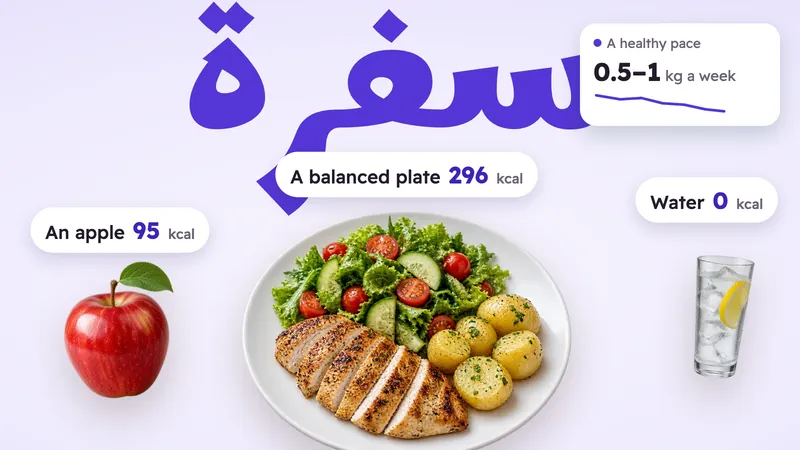 How to Lose Weight in a Healthy Way: 10 Habits Backed by ScienceTen proven habits for losing weight without going hungry, from a small calorie gap and protein to sleep and walking.Read the article
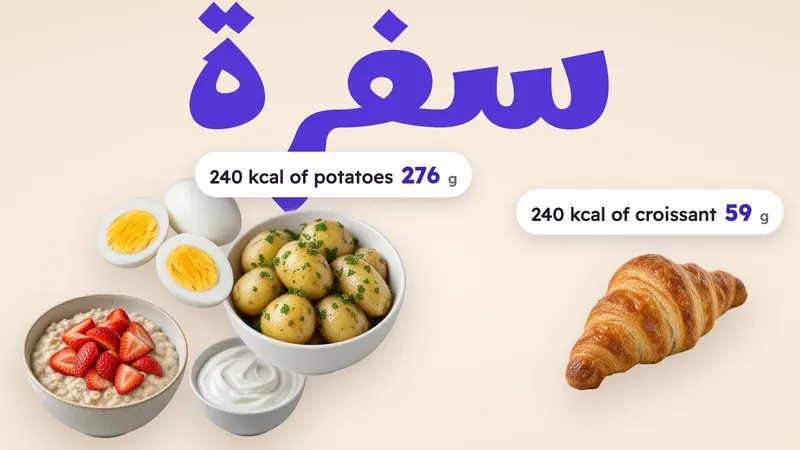 Foods That Keep You Full With Fewer CaloriesThe same 240 calories: 276 g of boiled potatoes or 59 g of croissant. Foods that fill you up more for fewer calories.Read the article
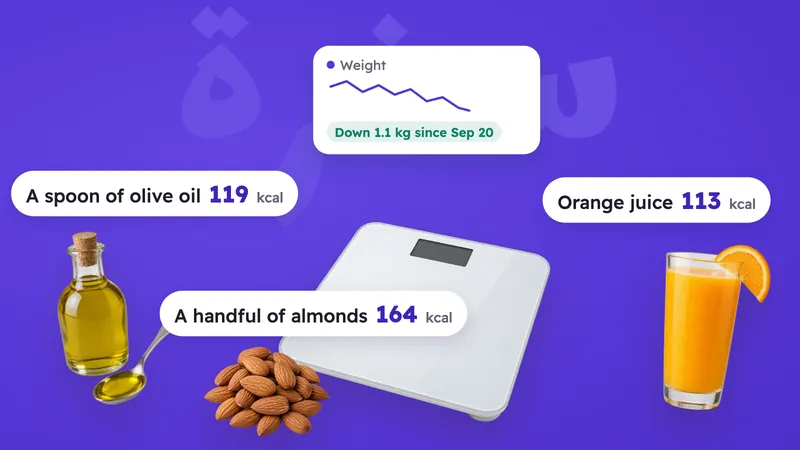 Why Am I Not Losing Weight? 9 Common Reasons and What to DoHidden calories in oil, coffee and juice, water weight, and a body that adapts: what to do when the scale stops moving.Read the article
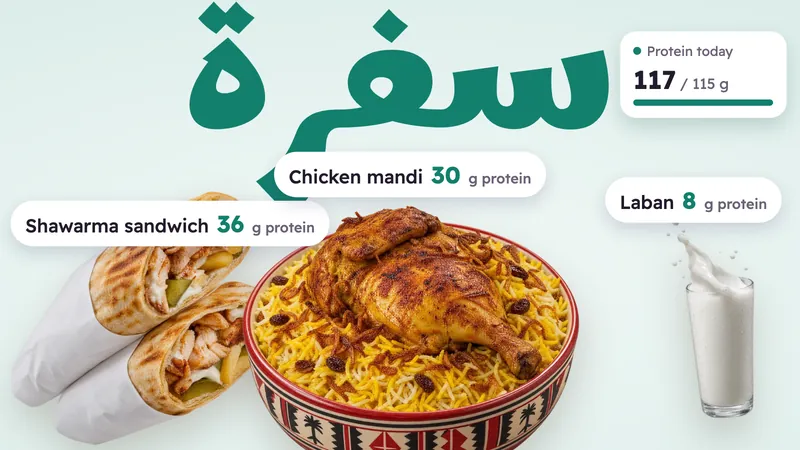 How Much Protein Do I Need a Day? By Your Weight, and Where to Get ItGrams per kilo for your weight and training, plus a protein table for everyday and Arabic food.Read the article
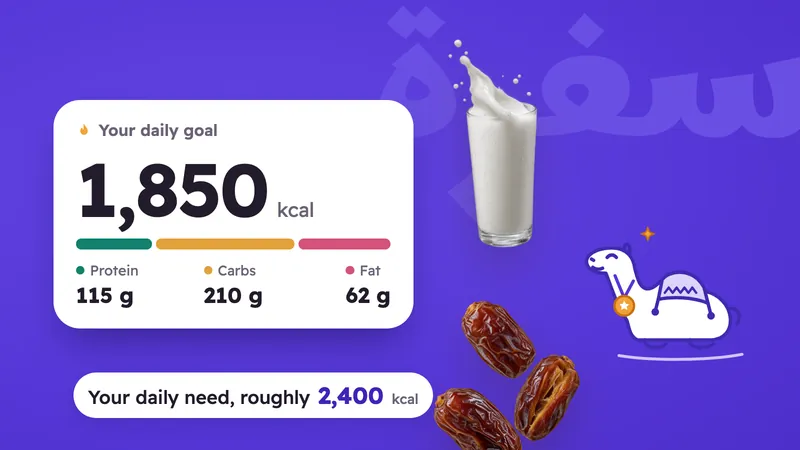 How Many Calories Do I Need a Day? And What Is a Calorie Deficit?The equation step by step, a table by body and activity, and what a calorie deficit really is.Read the article
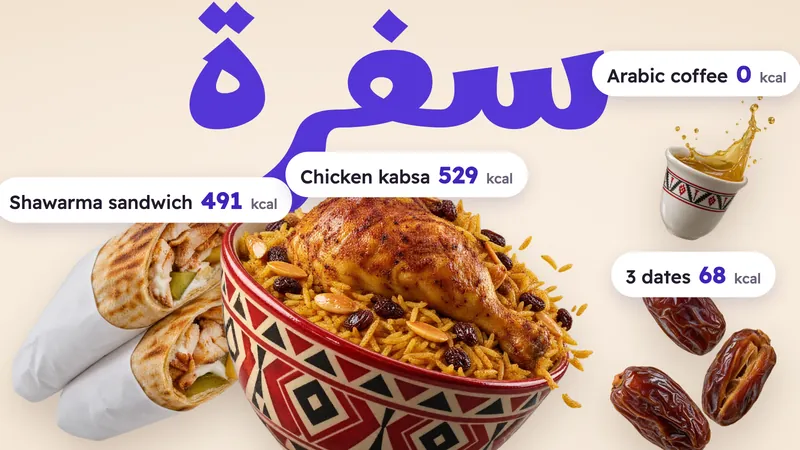 Calories in Arabic Food: Kabsa, Mandi, Shawarma, Falafel, Hummus and DatesCalories and protein for about 30 Arabic and Middle Eastern dishes, from kabsa and shawarma to falafel, hummus and dates.Read the article
From our food table. Whether you snap your plate, type it or say it, we work out the food and the amount, then take the calories from the table. If a dish isn't in our table, we mark it as an estimate, and you can fix it in one tap.
Tap the camera and snap your plate. We read the dishes and portions and show you everything before you save, and you can change anything in one tap. Photo scanning comes with Sufra Plus.
Yes. Our food table has Gulf and Middle Eastern dishes like kabsa, mandi, jareesh, sambousa, falafel and dates, plus everyday food from everywhere, each number with its source.
Yes. Every meal gets its calories, protein, carbs and fat from our food table, plus sugar, fiber and sodium, and you see the totals on the Your day page.
No. Sufra works fully on iPhone. The watch is a bonus if you have one.
Yes. A Home Screen widget shows what’s left with Snap and Write buttons, a Snap circle sits on your Lock Screen, and a Control Center button opens the camera straight away.
We start with Saudi and Gulf Arabic, and we understand Arabic and English mixed together, like "latte وسط". More dialects and dishes come next.
We use the line's text or the photo only to recognize the food, never for ads. We don't keep your photos on our side; your meal photo stays on your phone.
In every Gulf and Arab country and most of the world. It isn't available in the UK or the EU yet.
An iPhone on iOS 18 or later. With an Apple Watch on watchOS 11 or later, you can log from your wrist too.
For now, Sufra is on iPhone and Apple Watch only.
On iPhone and Apple Watch, in Arabic and English. Snap it, type it or say it; the calories are on us.

Needs iOS 18 or later, and watchOS 11 or later for the watch.